You can easily import these templates to create a new signing request, without having to start from scratch with each new task.
*Template is a premium feature, available for DottedSign Pro and above. Subscribe with a 14-day FREE trial and create your templates right away.
You can access this feature using the following steps:
1. Click Create New Task.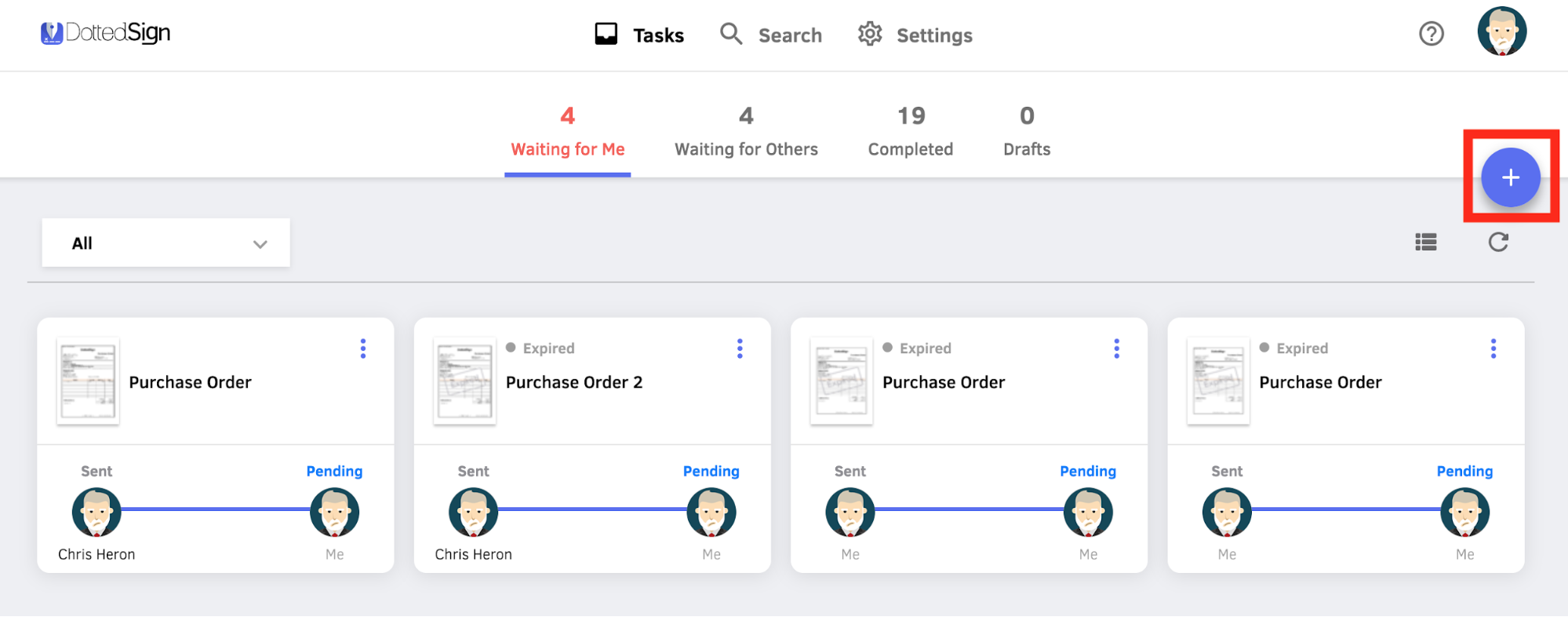
2. Go to Get Signatures.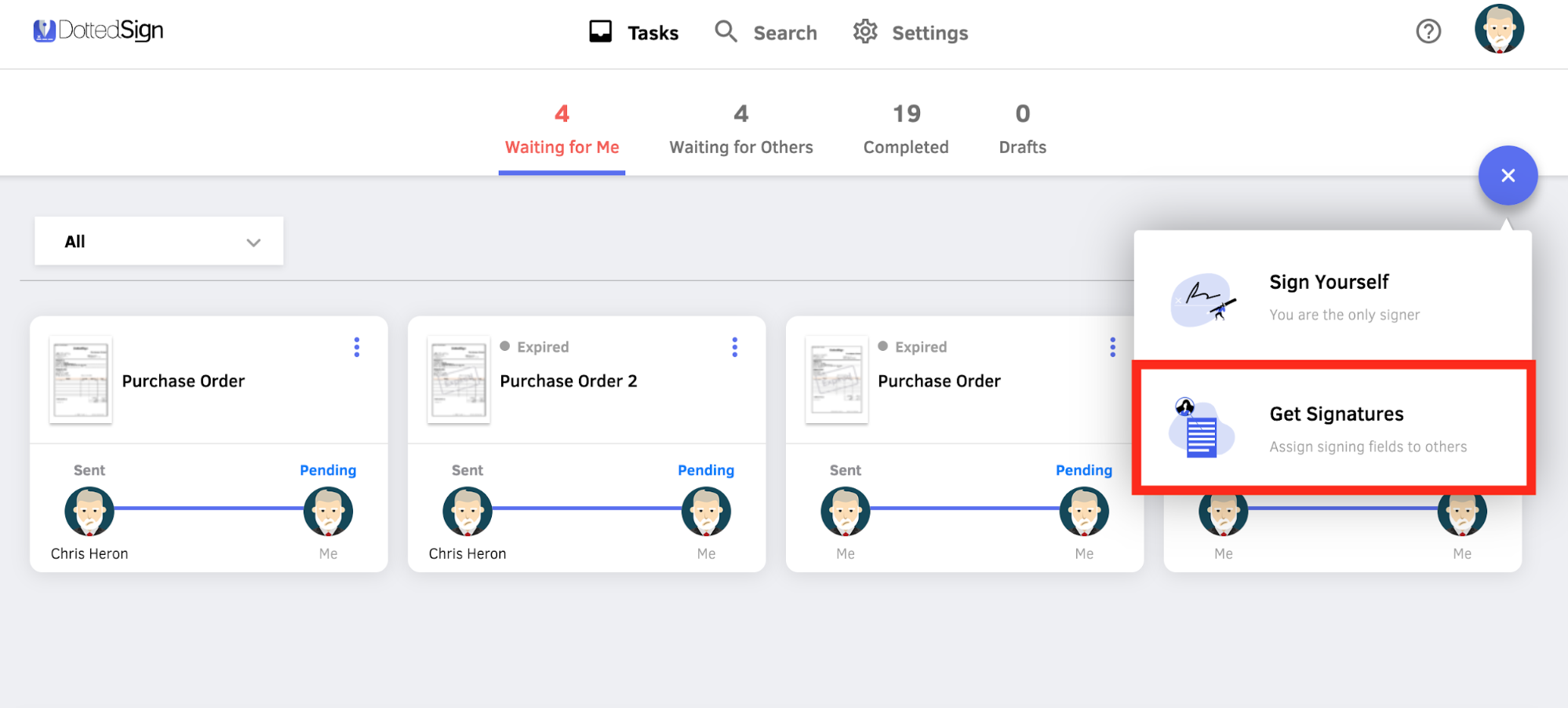
3. Click Import Template. If you haven't created one, please go to Settings to create a new template.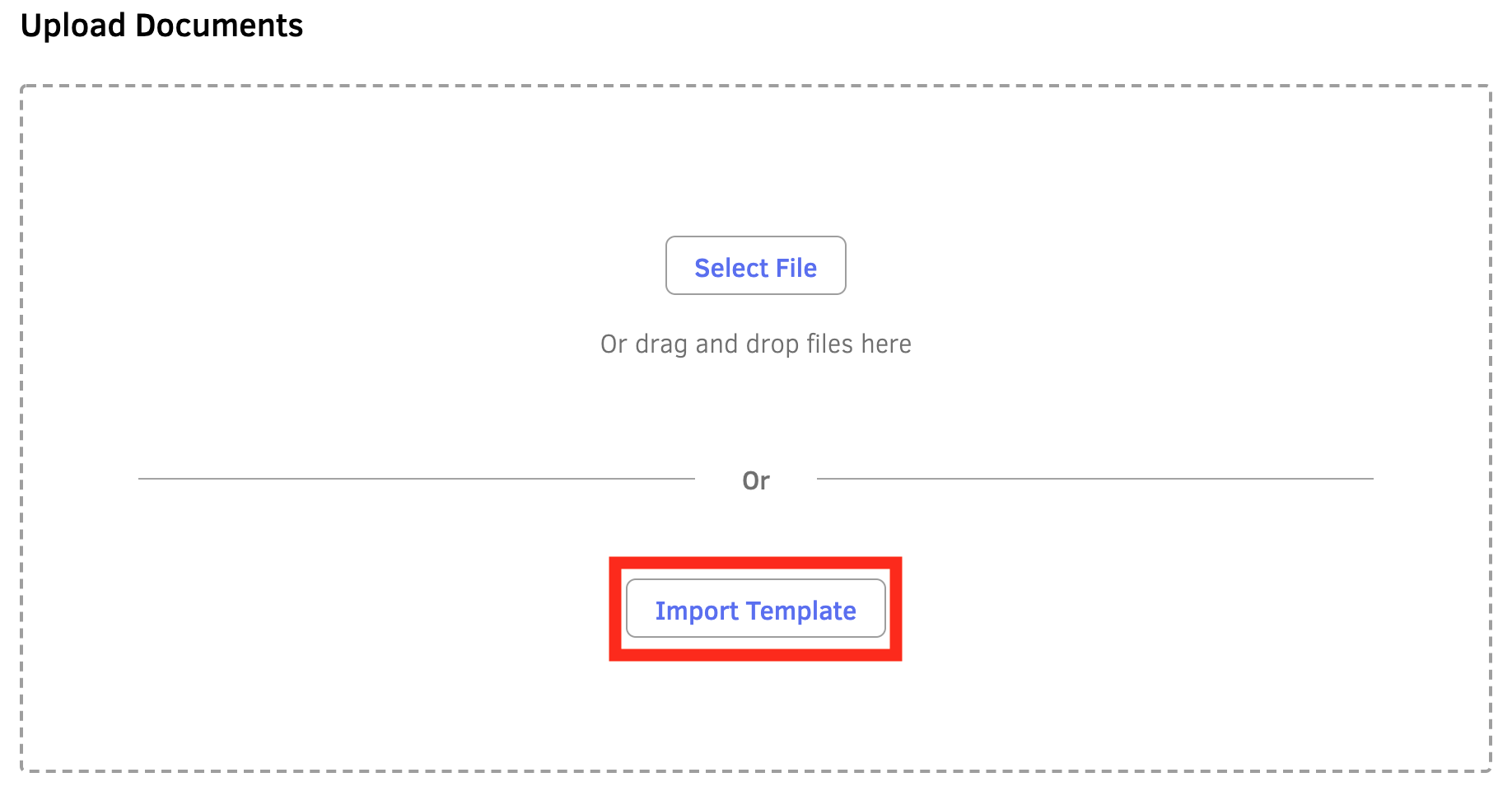
4. You should now see all of your existing templates. Choose the template you want, and click Continue.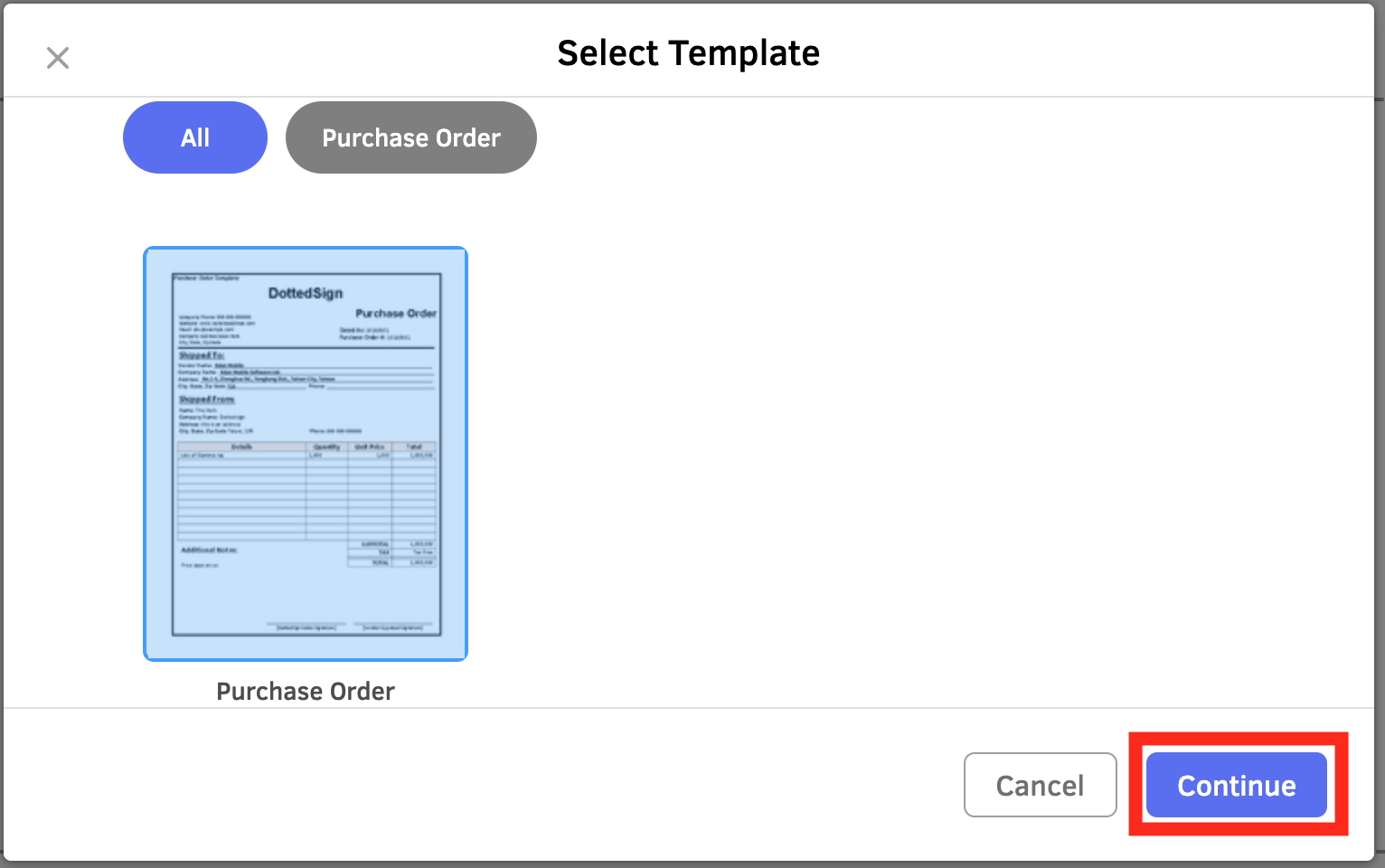
5. The fields are pre-made, just type in the according email account for the signer(s), and click Continue.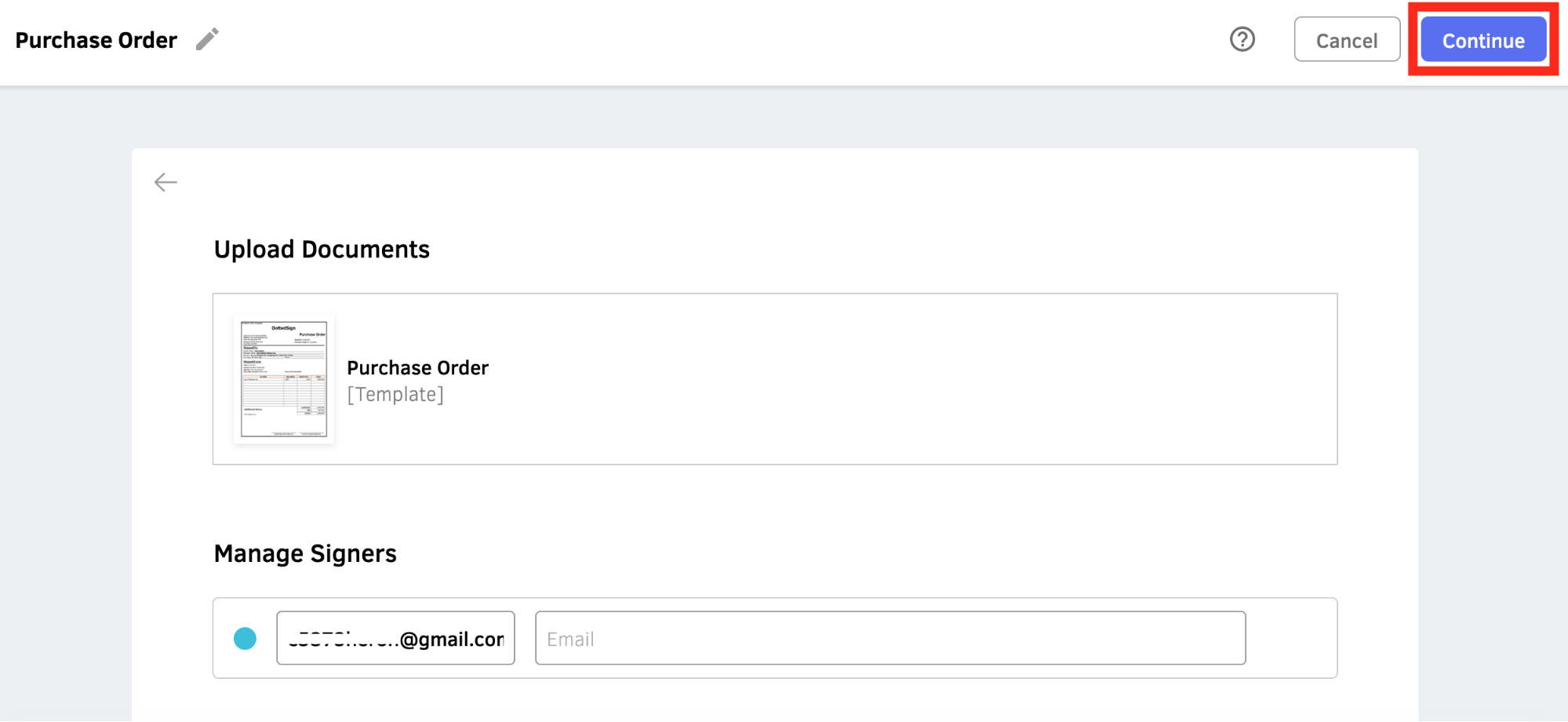
6. Now you can keep assigning the fields to signers and finish advanced task settings.
[Video Tutorial]
Updated