When the task is completed, you can download it to keep a record whether you are the Sender or the Signer.
Method 1: From Email
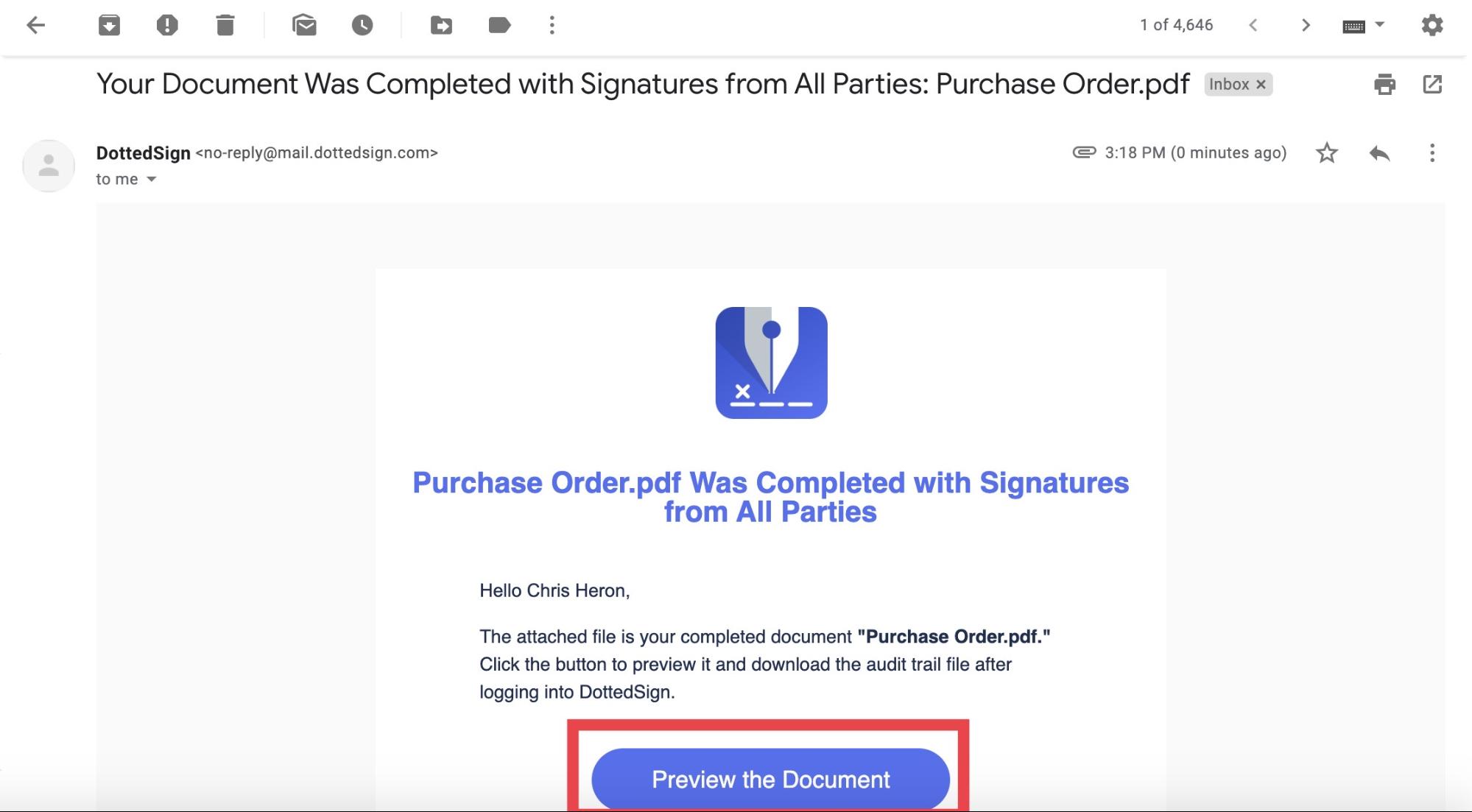
- Once all parties have signed the document, an email will be sent to all participants (including those who have been copied). Click on the link to go to your task.
- Click the "Download" icon on the upper right hand corner of the page.
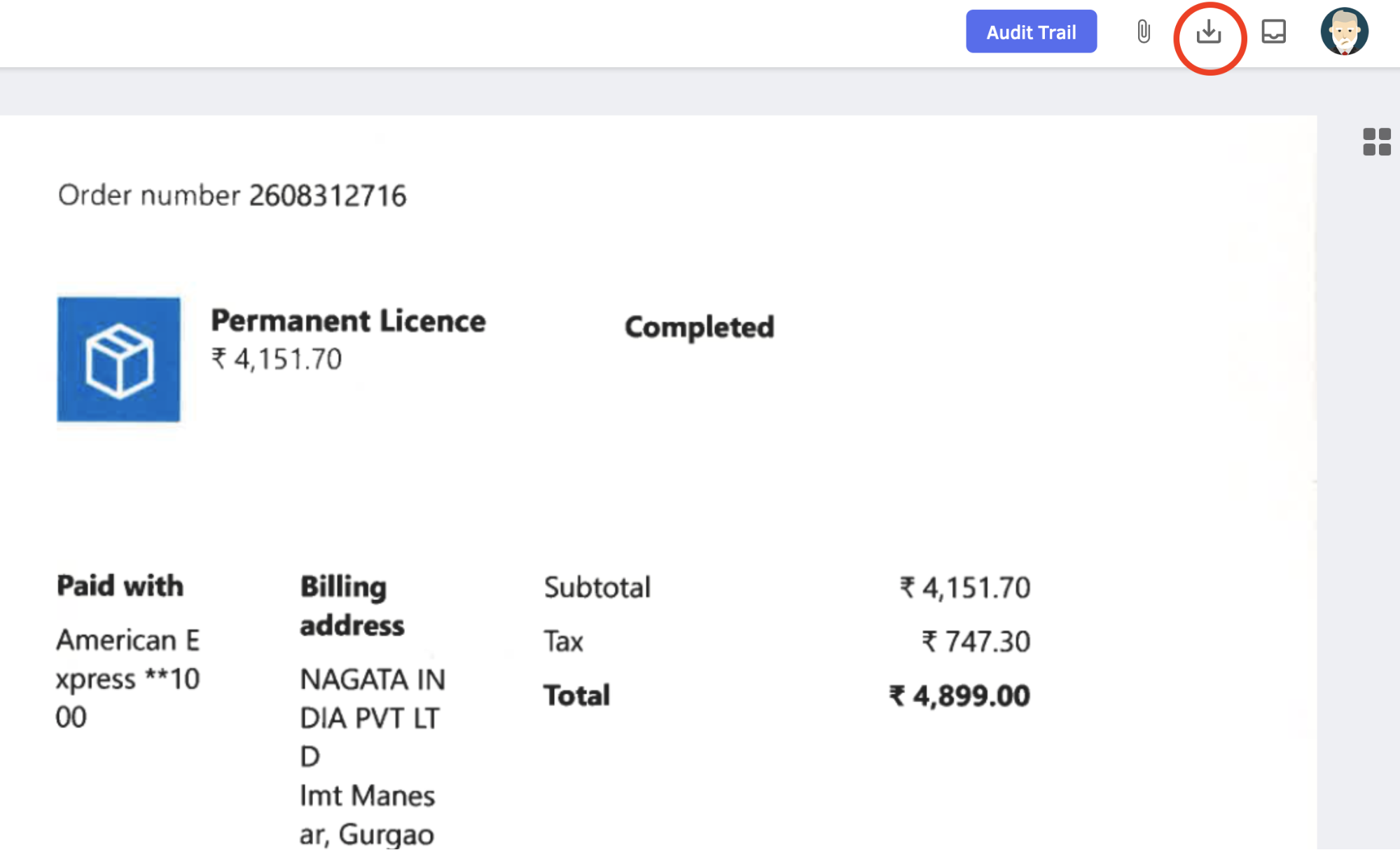
- You can download the task in the PDF format to your device or PC.
Method 2: From DottedSign App or Web
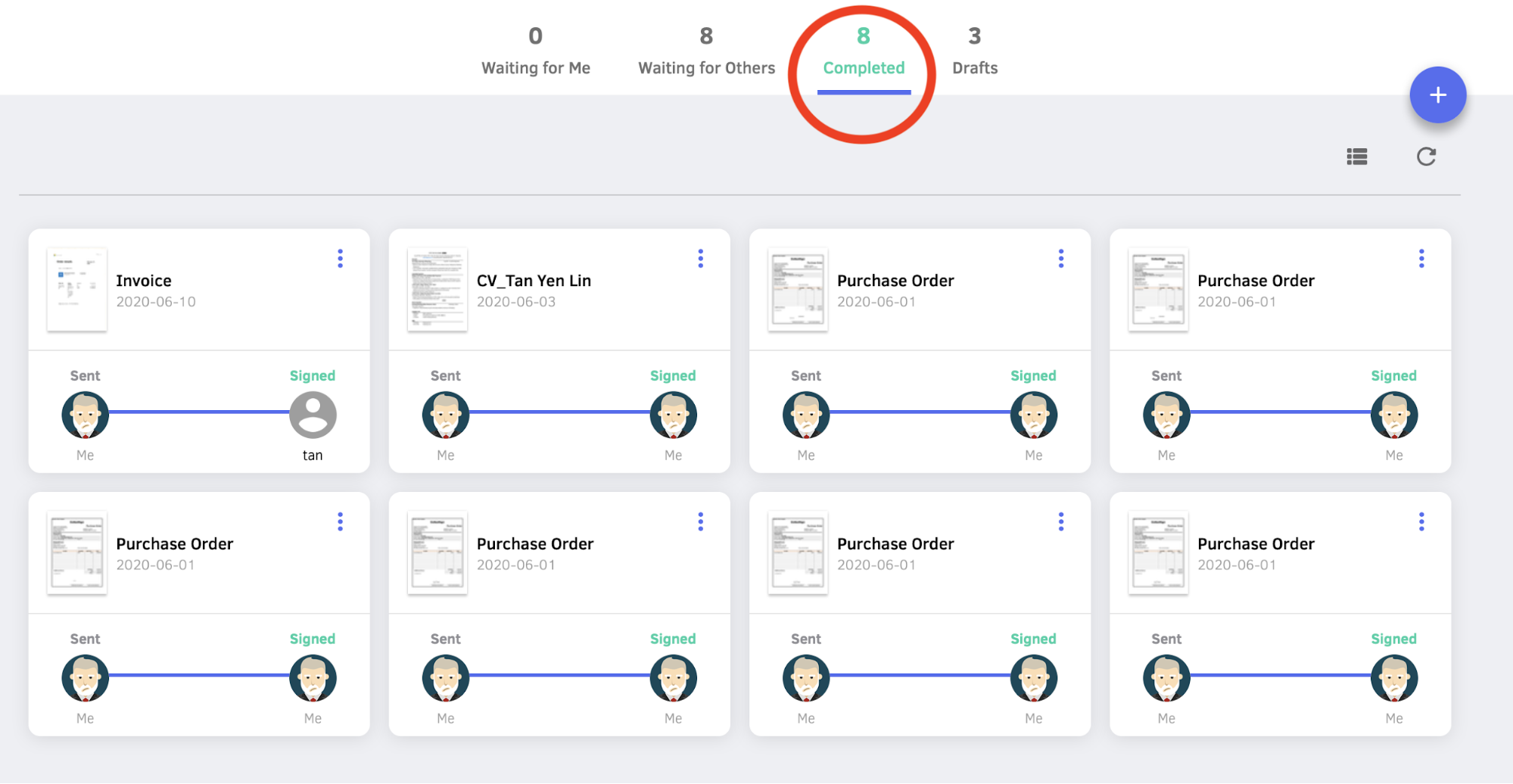
- Go to the "Completed" section.
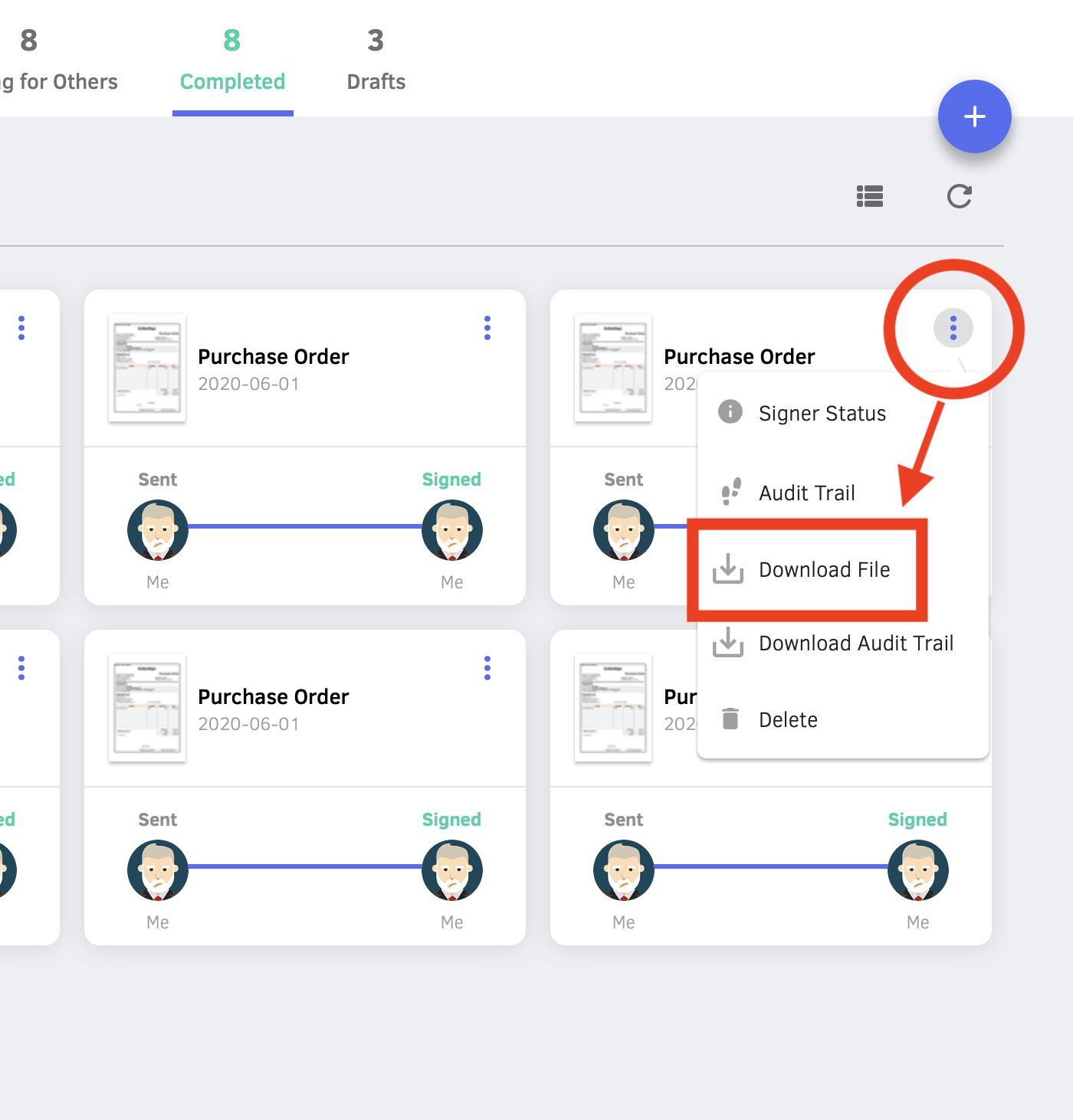
- Click the "More" icon(3 dots) on the upper right hand corner of the document. Then click "Download File".
Updated